tech · 14 nov 2026
Splice Create: The Free DAW That Shows You How to Make House Music
By Trip · 4 min read
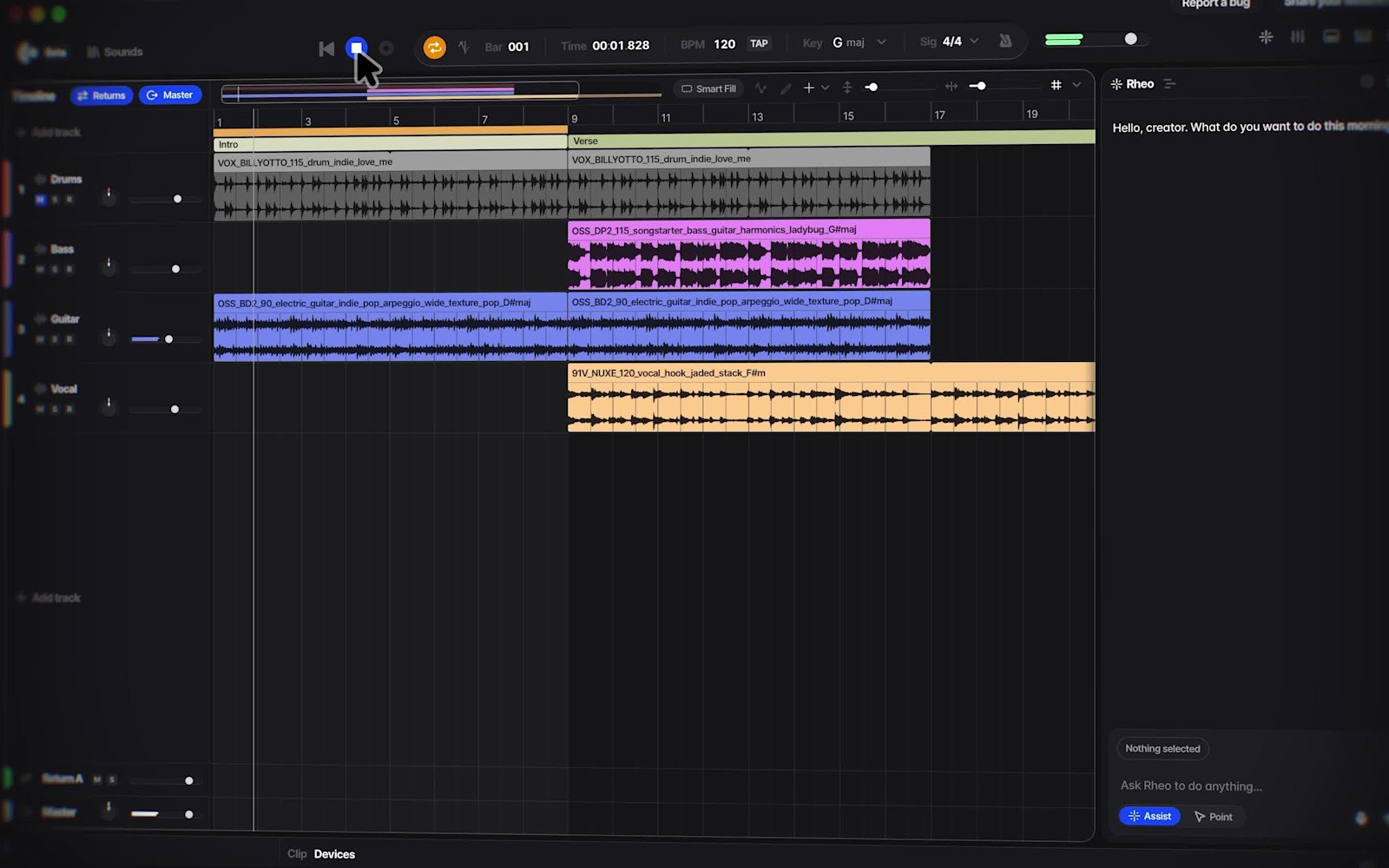
Image: Splice
Ad: the Splice links on this page are affiliate links. If you sign up through them, Trip may earn a small fee. It never changes your price.
Every DJ has a list of edits they mean to make one day. Splice Create is built for that moment. It is a free Mac app with the Splice sound library, the instruments and a step-by-step guide all in one window, so you can get from an idea to a loop without learning a big studio first.
Splice Create is Splice’s first DAW, the software you make tracks in. It came out as a free beta for Mac on 5 November 2026, and you can download it from Splice.
What is Splice Create?
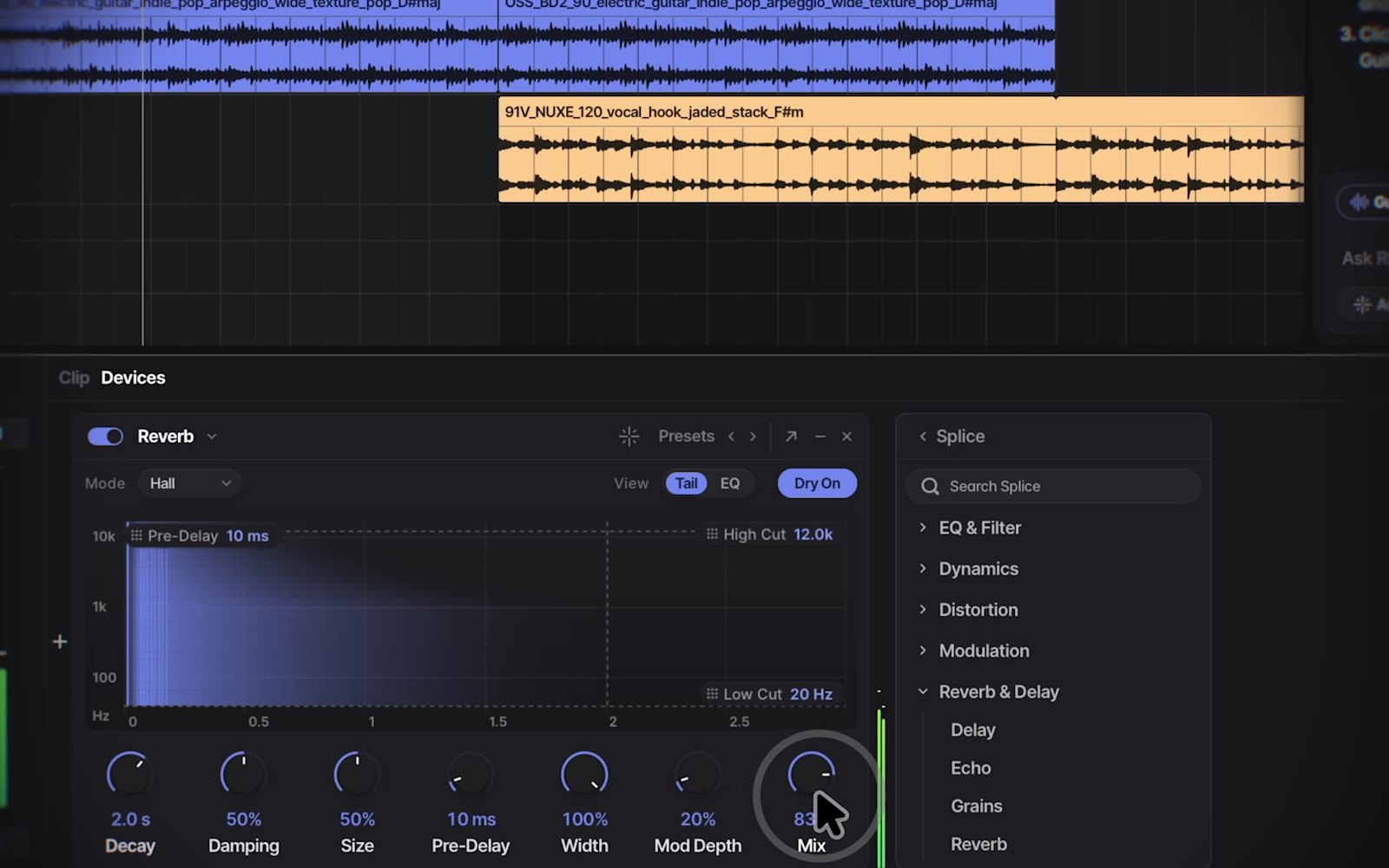
Think of it as a full studio with Splice already plugged in. You get a timeline, a mixer, MIDI editing, instruments and effects, and you can load the plugins you already own.
- Splice sounds inside the session. Search the library and drop loops and one-shots straight onto your tracks. Everything is royalty-free.
- Built-in instruments. Splice INSTRUMENT is part of the app, so you can play basslines and chords without buying a synth first.
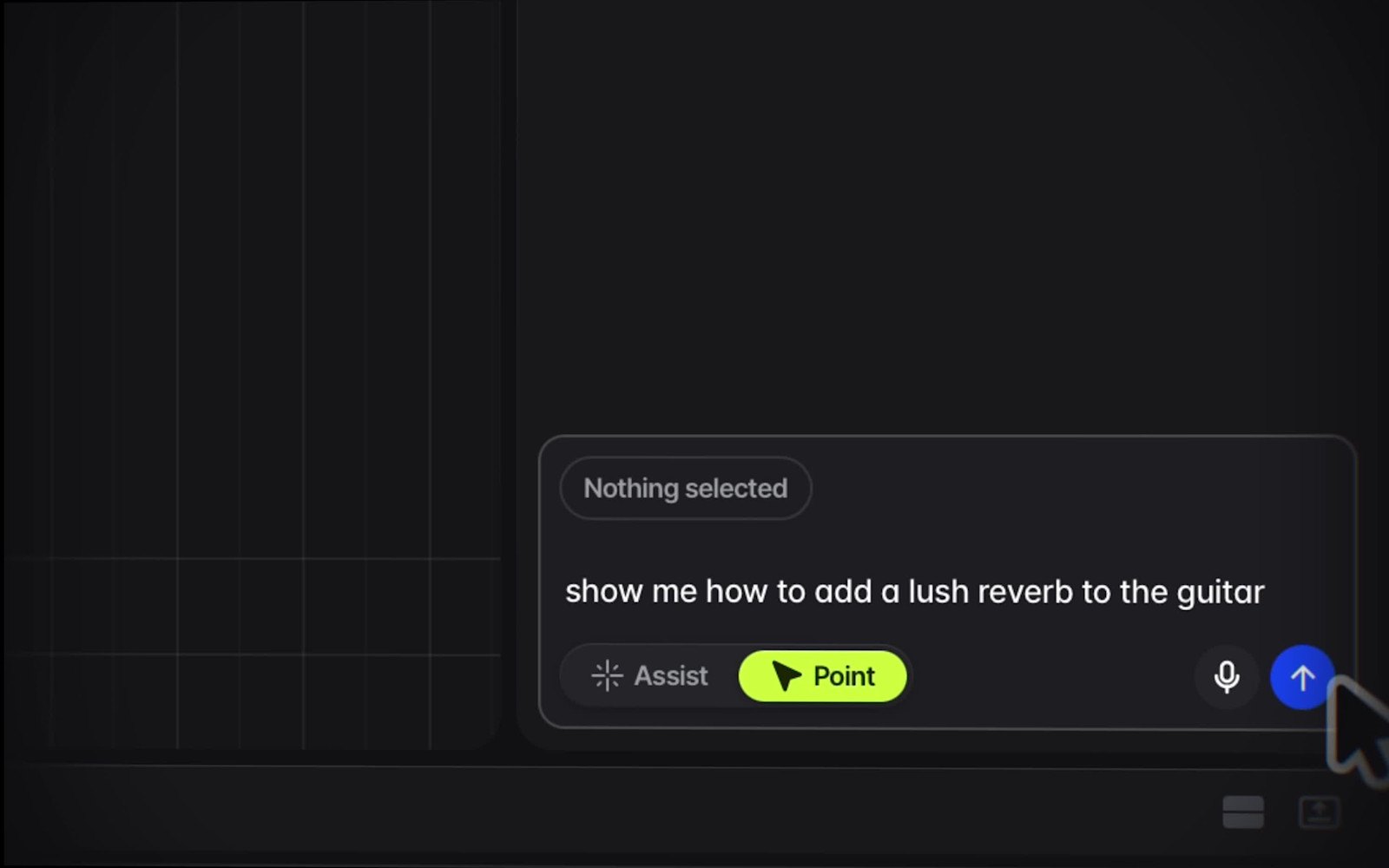
- An assistant you can talk to. Type or say what you want and Rheo, the assistant, does the fiddly jobs: grouping your drums, adding effects or finding a sound. One undo takes back the whole request.
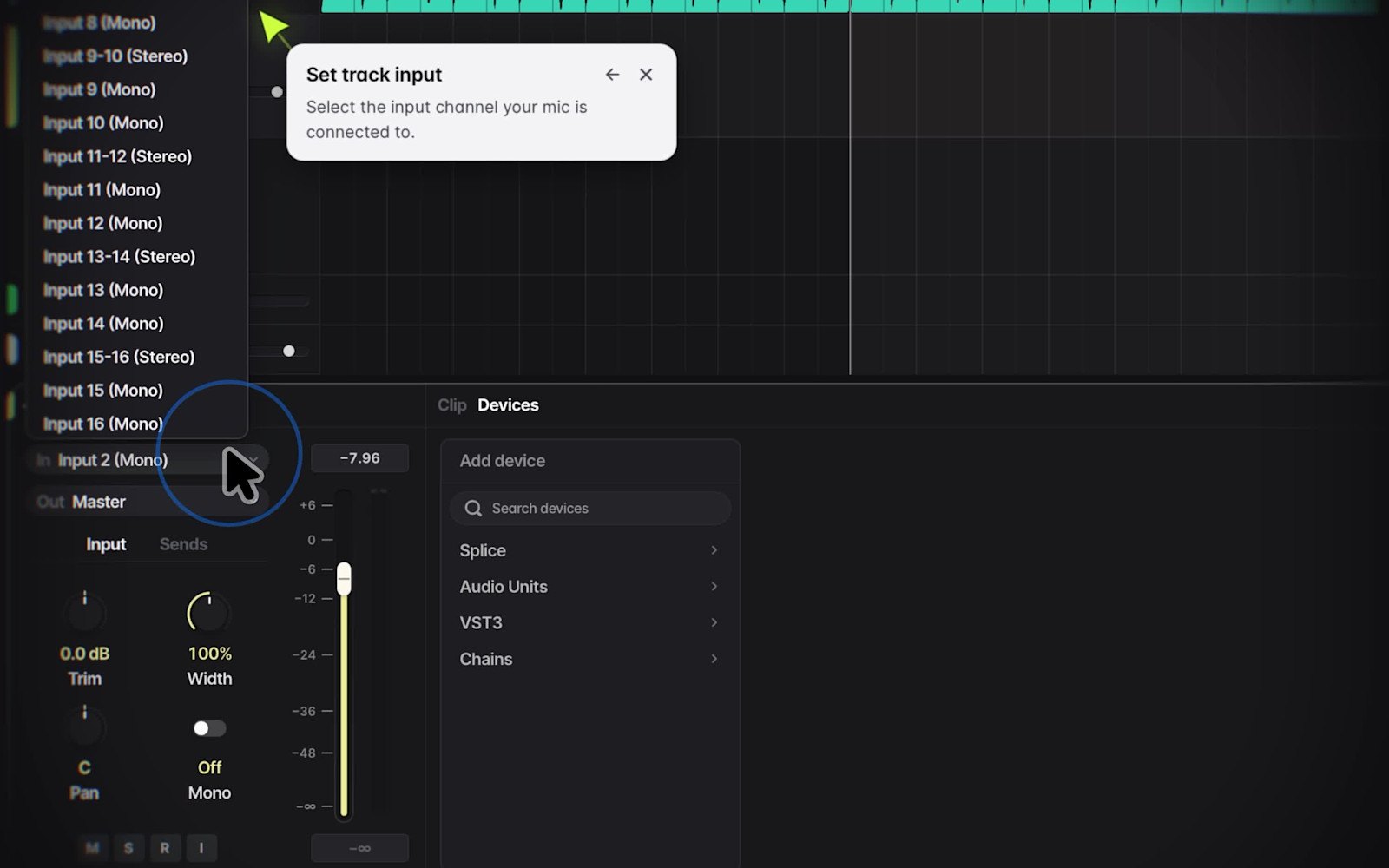
- Point. Ask how to do something and Point shows you which control to use next, step by step, so you learn while you build.
Splice says the assistant does not make new sounds. It finds real samples in the catalogue and writes MIDI notes, so what lands in your session is audio and notes you can edit. Splice also says it does not train its AI on music you make in Create.
Why would a house DJ use Splice Create?
- Ideas fast. Get a kick, a bassline and a percussion loop down in one sitting, then shape them.
- Edits for your sets. Build intros, loops and DJ tools around the tracks you play, using sounds you are free to use.
- Room to grow. Your sessions open in Ableton Live, and the key shortcuts can be set to match Ableton, Logic, Bitwig or Pro Tools, so nothing is wasted when you move up.
What does it cost?
- The app is free to download, with no card and no time limit.
- To export a finished track or stems as WAV, you need a paid plan: Create Pro, or an existing Splice Creator or Creator+ plan.
- Create Pro costs an introductory $9.99 a month. It also lets you use any Splice sample without spending credits and gives you a monthly amount of Rheo use. Free accounts start with 100 Rheo units.
- Splice has not said how long the introductory price lasts, so check the price in pounds on Splice before you sign up.
Prices checked on 14 November 2026.
What are the catches?
- Mac only for now. You need macOS 12 or later. Splice says Windows and web versions are coming, with no dates yet.
- It is a beta. Expect changes and the odd bug.
- Not a pro studio yet. In its first look, MusicRadar found it a capable DAW but without the depth of Ableton Live or Logic Pro. If you already finish tracks, the guide will feel slow.
- The assistant runs on units. Rheo use is metered, so heavy use means a paid plan.
Is Splice Create worth trying?
If you are on a Mac and have never finished a track, yes. It costs nothing to try, Point teaches you while you work, and your sessions open in Ableton when you outgrow it. If you already produce, use it as a sketchpad for loops and keep your main studio for finishing.
Got a track ready? Our free guide to getting your music on Beatport walks you through the next step. And when you have a mix you are proud of, send it to Trip.
share
more from the blog